¶ Manage your Files
¶ On the Wealth Item

- Go to the item you want to add to your watchlist: use the FIND field at the top
- Select item
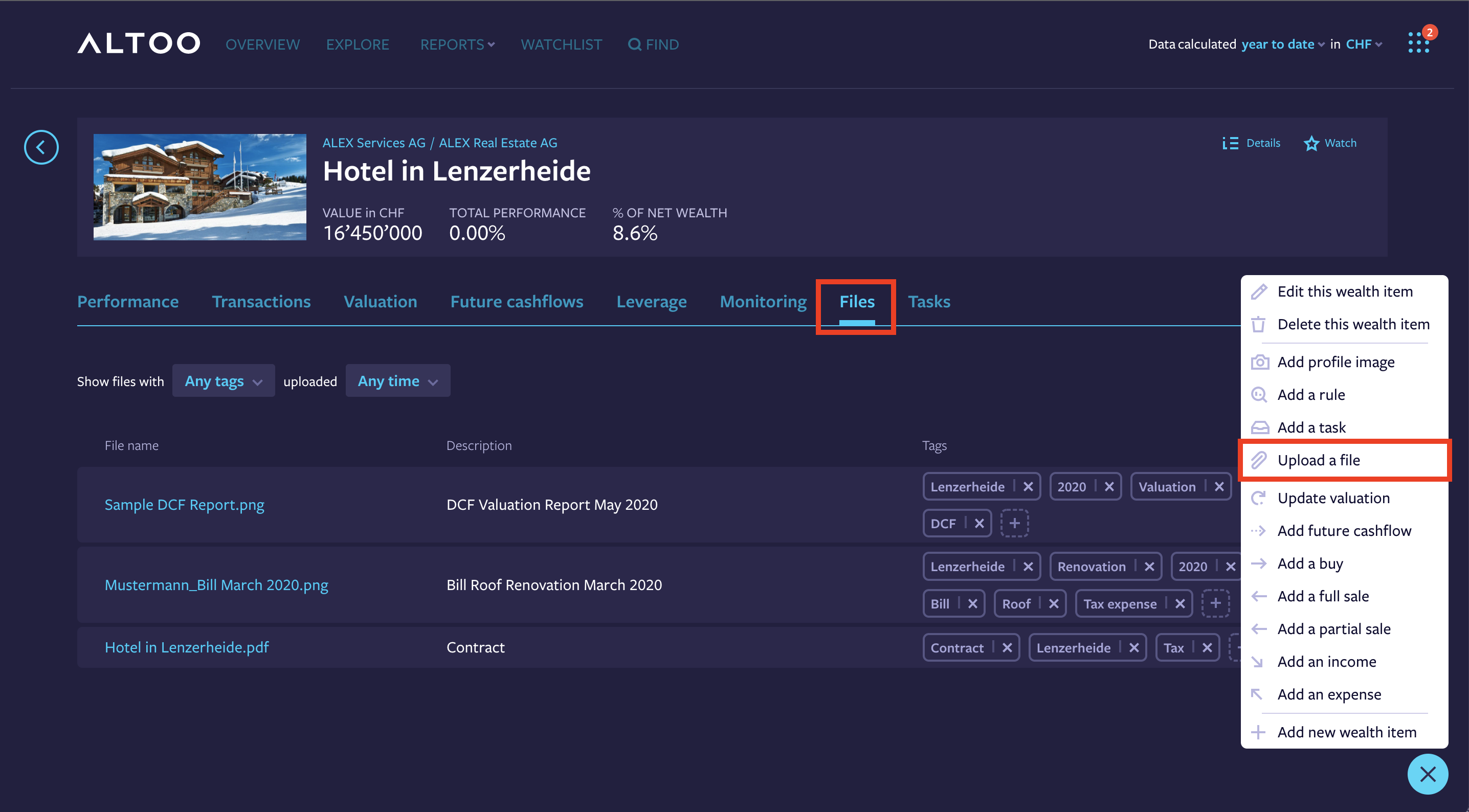
- Select Files to see all relevant documents
- Click on the "Plus" on the bottom and select upload a file
- Drag and drop the file or select the file from your storage
- Add file tags for easy reference (if applicable), add as many tags as you want
- Save wealth item
¶ In the File Storage
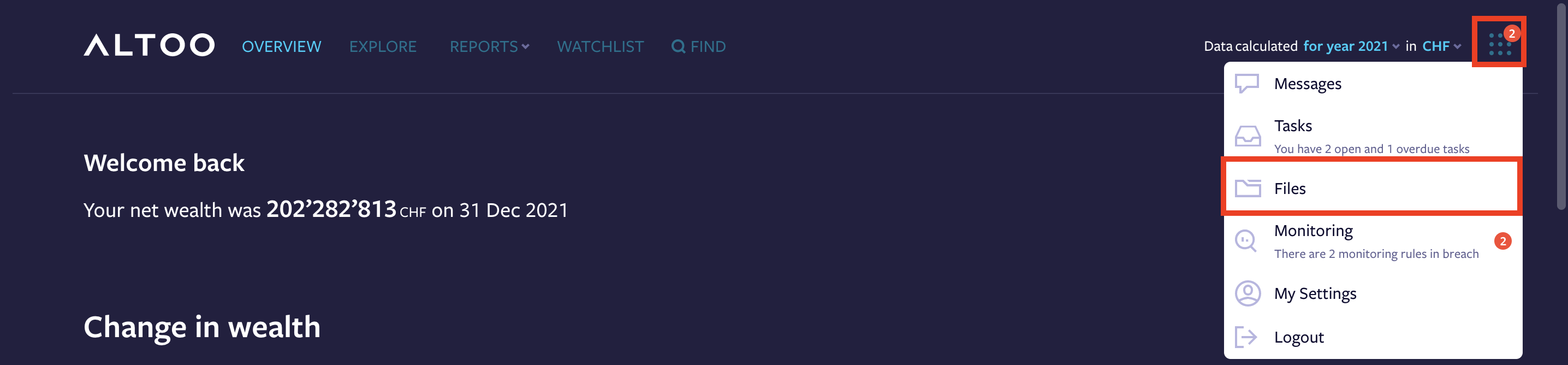
Click on the tools icon and select Files
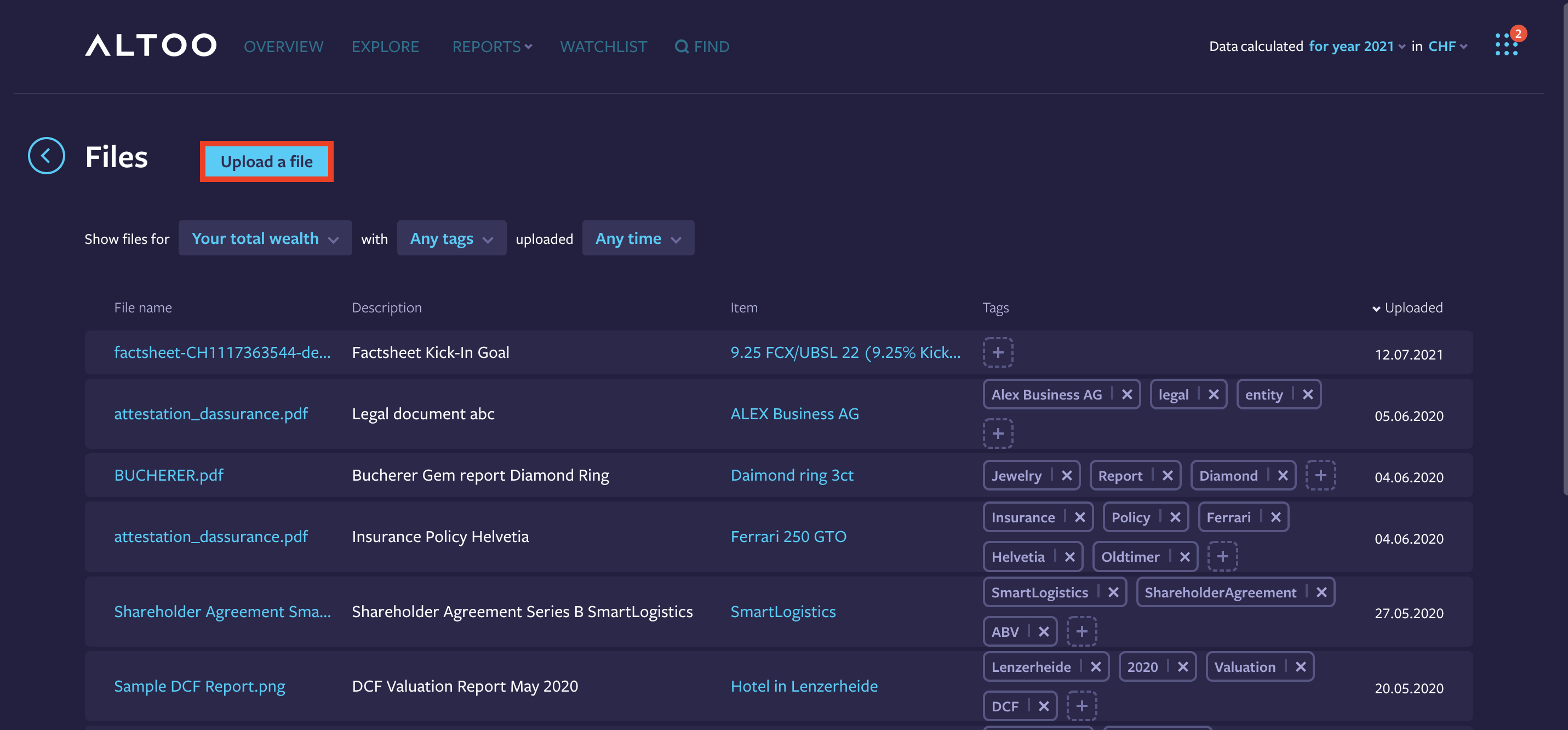
- Select Upload a File
- Drag and drop the file or select the file from your storage
- Add file tags for easy reference (if applicable), add as many tags as you want
- Save wealth item